Architecture
7 Critical Mistakes Companies Make with Hybrid Workspaces in 2026

AI SPACES | HYBRID STRATEGY | APRIL 2026
Hybrid work has been the dominant model for corporate teams for several years now. The experiments are over, the data is in, and most organizations have settled into some version of a flexible attendance policy. And yet, a striking number of the offices designed to support hybrid work are failing at it, not because the concept is flawed, but because the physical environment was not designed with sufficient rigor to support it.
The hybrid workspace design mistakes we see most frequently in 2026 are not the obvious ones, insufficient headcount ratios or missing video conferencing equipment. They are subtler failures of acoustic strategy, technology equity, spatial psychology, and operational logic that accumulate quietly and express themselves as attendance problems, productivity loss, and a growing preference among employees for working from anywhere but the office.
At AI Spaces, we conduct layout audits for companies that suspect their hybrid environments are underperforming and engage us to understand why. The same issues surface with remarkable consistency. What follows is an honest account of the seven mistakes we see most often, and, more importantly, what to do about each of them before they cost more to fix than they would have to prevent.
MISTAKE 01 Designing for Average Attendance, Not Peak Demand
The most common hybrid workspace calculation goes like this: if we have 200 employees and our target attendance is 60 percent, we need desks and meeting rooms for 120 people. The math is clean. The result is an office that functions adequately on average and fails catastrophically on the days that matter most.
Peak demand days, typically Tuesday through Thursday for most organizations, consistently exceed average attendance projections by 20 to 35 percent. On those days, the employees who most need to be in the office, the ones with back-to-back collaborative sessions, client meetings, and team working sessions, arrive to find no available meeting rooms, no quiet spaces to concentrate, and a noise level that makes focused work impossible.
These employees do not simply tolerate the experience and resolve to come back tomorrow. They make a note, consciously or not, that the office is unreliable on the days it matters most. Attendance on those days declines. The self-reinforcing cycle of under-utilization begins.
- Design for 80 to 85 percent of target headcount, not 60 percent, to absorb peak-day demand without breaking
- Model meeting room demand separately from desk demand; meeting room utilization peaks significantly higher than desk utilization on collaborative days
- Build overflow capacity into social zones; a well-designed café or lounge absorbs informal collaborative overflow that a fully-booked meeting room portfolio cannot
MISTAKE 02 Acoustic Failures Hidden Behind Open-Plan Aesthetics
Open-plan hybrid offices photograph beautifully. The sight lines are long, the spaces feel generous, and the aesthetic reads as modern and collaborative. And then Monday morning arrives, and thirty people are on simultaneous video calls, and the space becomes functionally unusable for anything requiring concentration or confidential conversation.
Acoustic performance is the dimension of hybrid workspace design that is most frequently sacrificed during value engineering, because its absence is not visible in renderings, is not apparent during construction inspections, and only becomes obvious after the space is occupied and the damage is done. By that point, remediation is expensive, disruptive, and only partially effective.
An open-plan office with poor acoustic management does not support hybrid work. It supports the appearance of hybrid work while driving the employees who most need to concentrate back to their kitchen tables.
The acoustic failures we see most often in hybrid offices:
- Insufficient sound absorption in open collaboration zones, hard surfaces on floors, ceilings, and walls create reverberation that makes speech intelligibility worse with every additional person in the space
- No acoustic separation between focus zones and collaboration zones; a quiet room adjacent to an open collaboration area with a shared air plenum above a partial-height partition is not a quiet room
- Video call infrastructure placed in open areas, employees on calls in an open office create noise for everyone around them and receive noise from everyone around them; this is a design failure, not a behavioral one
- HVAC systems specified for thermal performance without acoustic consideration; duct velocity and diffuser placement that would be acceptable in a private office can render a hybrid open plan unusable
MISTAKE 03 Technology Inequity Between In-Room and Remote Participants
Hybrid meetings are the daily proof point of whether an organization's hybrid model is genuine or performative. When in-room participants can see, hear, and engage with each other effortlessly while remote participants struggle with audio lag, partial camera coverage, and the persistent sense that the real conversation is happening in the room, the hybrid model is not working. It is a distributed meeting with a real-time disadvantage built into the architecture.
This is one of the most corrosive failures in hybrid workspace design, because it is invisible to the people in the room and acutely obvious to the people outside it. Remote participants who consistently feel like second-class attendees in hybrid meetings begin to disengage from those meetings, and eventually from the organization's culture more broadly.
The technology equity failures we identify most frequently during layout audits:
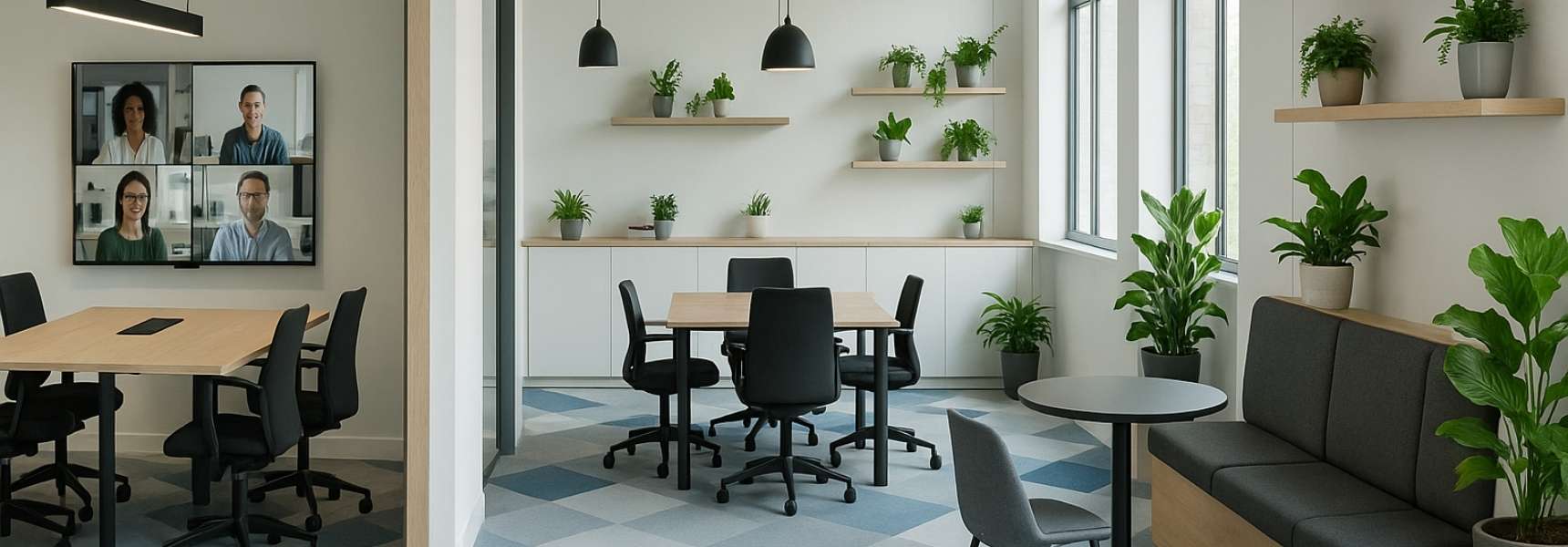
- Camera placement that captures the whiteboard or the presenter but not the full table, remote participants can see the content but not the reactions of the people engaging with it
- Microphone systems that pick up people near the device and produce intelligible audio for those at a distance; in a twelve-person room, the four people at the far end are effectively inaudible to remote participants
- Display sizes that show remote participants at thumbnail scale, faces at 3 inches high do not register as human presences; they register as icons
- Room control interfaces that require technical knowledge to operate, any meeting that begins with five minutes of technology troubleshooting has lost the attention of everyone involved
MISTAKE 04 The Disappearance of Privacy Spaces
The design pendulum swung so far toward open collaboration in the years before hybrid work that many organizations rebuilt their offices without meaningful private spaces. When the hybrid model arrived and employees began returning to offices they had not visited in eighteen months, they discovered that the spaces they needed most, somewhere to take a confidential call, to work through a complex problem without interruption, to have a difficult conversation with a direct report, had been eliminated in favor of open benching and collaboration tables.
Privacy is not a relic of pre-pandemic work culture. It is a fundamental requirement of knowledge work that becomes more acute, not less, when employees are choosing between working at home, where privacy is readily available, and working in an office, where it should be equally available but often is not.
The privacy infrastructure that a well-designed hybrid office must provide:
- Enclosed individual focus spaces, not open booths with acoustic panels, but genuinely enclosed rooms with doors, sized for one person, acoustically rated, and equipped with power and data
- Small confidential meeting rooms, two to three person spaces with full acoustic separation, suitable for performance conversations, legal discussions, medical consultations, and any other exchange that requires genuine privacy
- Phone booths or call pods distributed across the floor plate, one per every eight to ten workstations as a minimum ratio for a hybrid office where video calling is a daily activity
- Visual privacy provisions in open working areas, low partitions, planting, and furniture arrangement that provide psychological separation without acoustic isolation, for employees who need to concentrate without the full enclosure of a private room
MISTAKE 05 Ignoring the Neighborhood Model in Favor of Hot-Desking
Hot-desking, the practice of providing unassigned desks on a first-come, first-served basis, was adopted by many organizations as the default hybrid desk strategy, primarily because it simplified the facilities management calculation. If you have 200 employees and 120 desks, hot-desking seems like the obvious solution.
In practice, hot-desking at scale produces outcomes that undermine the case for the office. Employees who cannot reliably sit near their team members lose the spontaneous collaboration that is the primary value proposition of being in the office. The inability to leave personal items, customize a workspace, or build the small territorial investments that make a desk feel like a base rather than a random seat drives a persistent sense of impermanence that erodes organizational belonging.
The neighborhood model, which assigns zones of the office to specific teams or practice groups while maintaining flexibility within those zones, captures most of the space efficiency benefits of hot-desking while preserving the social and collaborative benefits of team proximity.
- Assign neighborhoods to teams, not individuals; teams occupy their zone on the days they are in, and the zone absorbs variation through internal flexibility
- Design neighborhoods with the full range of work modes their team requires; a legal team neighborhood needs more enclosed spaces than a creative team neighborhood; one-size-fits-all zoning ignores the actual work being done
- Include social infrastructure within each neighborhood, a small coffee point, a team display screen, informal seating, that makes the neighborhood feel like a base rather than a section of open floor
- Allow teams to personalize their neighborhoods within defined parameters; plants, artwork, whiteboards with team content, creating the territorial investment that builds belonging
MISTAKE 06 Specifying Fixed Furniture in a Variable-Demand Environment
Hybrid attendance is inherently variable. Tuesday with thirty people in the office has different spatial requirements than Thursday with ninety. A space configured with fixed, heavy furniture that requires facilities staff and significant effort to reconfigure cannot respond to this variability, and so it does not. It sits in one configuration regardless of demand, serving some days well and others poorly.
The furniture strategy for a hybrid office must treat the permanent and the movable as distinct categories with distinct design logic. Permanent elements, the architectural interventions, the built millwork, the fixed infrastructure, should be specified for maximum quality and minimum reconfiguration need. Everything else, the tables, the seating, the screens, the partitions, should be specified for maximum flexibility and minimum effort to move.
- Lightweight tables on casters that can be reconfigured from individual working to group collaboration in under five minutes, by the employees themselves without tools
- Modular seating systems that can be assembled into lounge clusters, individual seating, or bench arrangements depending on the day's demand
- Mobile display screens on locking casters that can serve a team working session today and a town hall presentation tomorrow
- Lightweight acoustic screens that employees can position themselves to create temporary visual and acoustic separation in open areas
MISTAKE 07 Building the Office and Forgetting the Experience
The final and most consequential mistake is treating hybrid workspace design as a construction project rather than an experience design problem. A hybrid office is not a solved problem when the furniture is delivered and the technology is installed. It is a solved problem when employees consistently choose to come in, use the space effectively, and leave feeling that the day in the office was worth the commute.
The gap between building completion and experience delivery is where most hybrid workspace investments underperform. Employees arrive at a beautifully finished space with no clear understanding of how to use it, which zones are for which activities, how to book a room, or what behavioral norms apply in each area. Without that knowledge, they default to familiar patterns, finding a desk near colleagues, staying there all day regardless of their work mode, and reporting that the office is fine but not meaningfully better than home.
The experience layer that transforms a hybrid office from a building into a destination:
- Legible zoning, signage, materiality, and spatial design that communicates the purpose of each zone without requiring a guidebook; an employee who has never been in the office before should be able to navigate it intuitively
- Frictionless booking, a room and desk reservation system that requires three taps or fewer, is visible on the platforms employees already use, and updates in real time
- Behavioral permission, visible, explicit communication from leadership that employees are expected to move through the space, use different zones for different tasks, and treat the office as a dynamic environment rather than a fixed one
- Programming and activation, recurring events, team days, and office-wide moments that give employees a reason to choose the office on specific days rather than treating every day as interchangeable
The Audit Is Where It Starts
Every one of these mistakes is identifiable before it becomes expensive, and every one of them is preventable at the design stage for a fraction of the cost of correcting it afterward. The organizations that are getting hybrid workspace right in 2026 are not the ones with the largest real estate budgets. They are the ones that treated the design of their hybrid environment as a strategic question requiring expert input, not a facilities decision requiring furniture specifications.
The first step in that process, for any organization that suspects its hybrid office is underperforming, is an honest assessment of where the gaps are. Not a utilization report, a design audit. An examination of the space against the actual work patterns of the people using it, conducted by people who understand both the design variables and the behavioral outcomes they produce.
At AI Spaces, that audit is where every workplace engagement begins. We have conducted layout audits for companies across every sector and at every scale of hybrid deployment. The patterns are consistent. The solutions are known. And the cost of acting on them now is always lower than the cost of living with the consequences.
Suspect your hybrid office is underperforming? Book a free layout audit with AI Spaces- aispaces.ai
AI Spaces LLC | aispaces.ai | Interior Architecture & Design for Corporations

More Articles to Keep Designing Your Workspace
Guides, inspiration and workspace ideas